0 → 1true greenfield build — no product, no design system, no established IA
Apartment complexes and gated communities run on fragmented tools — WhatsApp groups for visitors, paper logs for security, and no single place for residents, managers, and guards to stay aligned.
Problems identified
Fragmented visitor managementWhatsApp groups and paper logs replaced structured digital access
No unified platformResidents, security, and managers used disconnected tools daily
Physical-digital gapNFC access and gate entry not integrated into a mobile experience
Multi-role complexityEach stakeholder needed different workflows without clear information architecture
Greenfield scale risk34+ screens required a design system built from scratch alongside the product
Business goals
01Unify community operations in one mobile-first application
02Enable digital visitor passes and NFC-based access control
03Deliver role-specific dashboards for residents, security, and managers
04Ship a launch-ready mobile product with a scalable design system
My role: Product Designer — authored the PRD, information architecture, user journeys, 34+ mobile screens, and complete design system from concept to handoff.
Research & Insights
Understanding the smart community gap
Research before pixels — mapping gated society pain points, interviewing stakeholders, and defining role-based mobile architecture.
01
Analyzed how gated societies manage visitors, access, and security today
02
Interviewed residents, security guards, and community managers
03
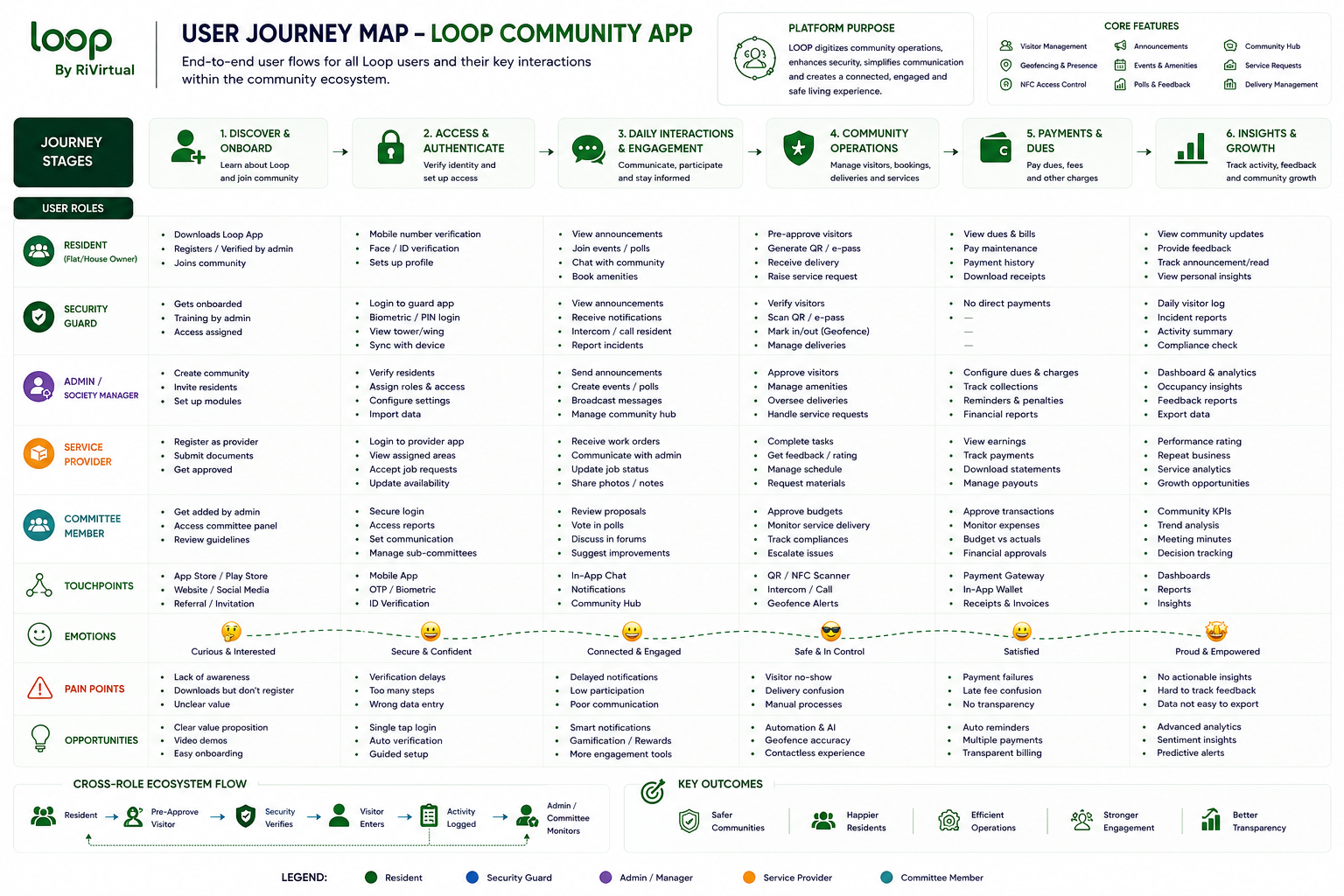
Mapped end-to-end flows from visitor pass to NFC gate entry
04
Identified role-based mobile architecture for multi-stakeholder use
Key insight
Communities don't need more chat groups — they need one trusted mobile layer that connects physical access with daily resident life.
02 · Approach
From PRD to launch-ready mobile UI
I authored the full product requirements document, information architecture, and user journeys before a single high-fidelity screen was drawn — ensuring every workflow had a clear owner and outcome.
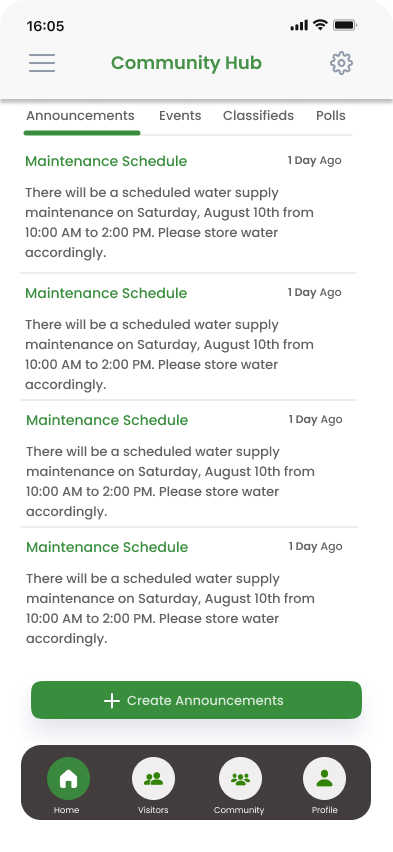
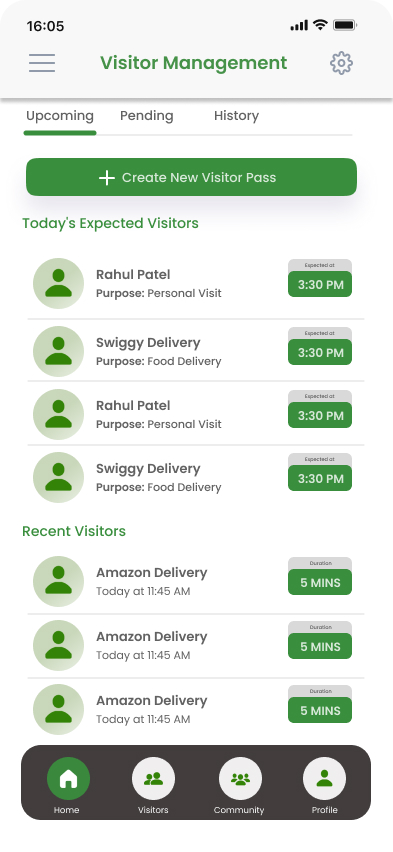
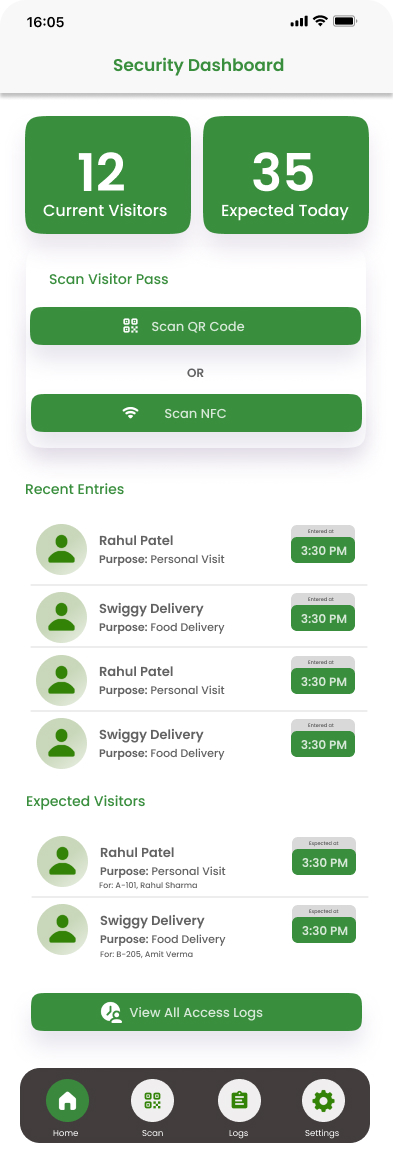
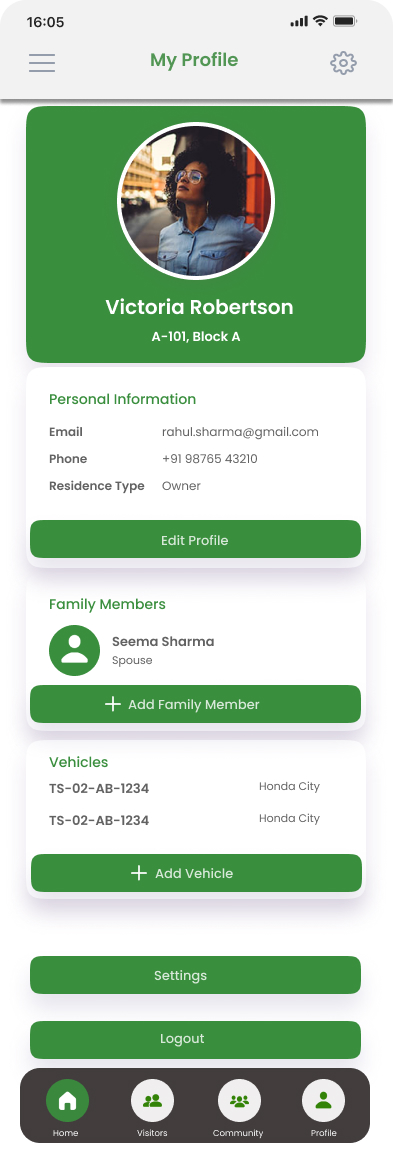
Six core workflows emerged: authentication and onboarding, community hub and engagement, visitor management with digital access passes, NFC-based entry, security operations dashboards, and resident profile management — all translated into 34+ mobile screens with a cohesive design system.
Design Strategy
Design goals & success metrics
Every design decision tied to measurable outcomes — clarity for every role, speed for security ops, and consistency across the full mobile library.
Design goal
Success metric
Unify multi-stakeholder workflows in one app
Task completion rate across roles
Frictionless visitor and NFC access flows
Visitor pass issuance and scan success rate
Real-time security visibility
Security dashboard response time
Scalable mobile design system
Component reuse across 34+ screens
Product Features
Key design challenges & solutions
Four community-scale problems — each solved with role-based architecture and a unified mobile design language.
Challenge
Solution
Impact
Multi-stakeholder complexity
Role-based dashboards + unified information architecture
Clear ownership per role
Fragmented visitor management
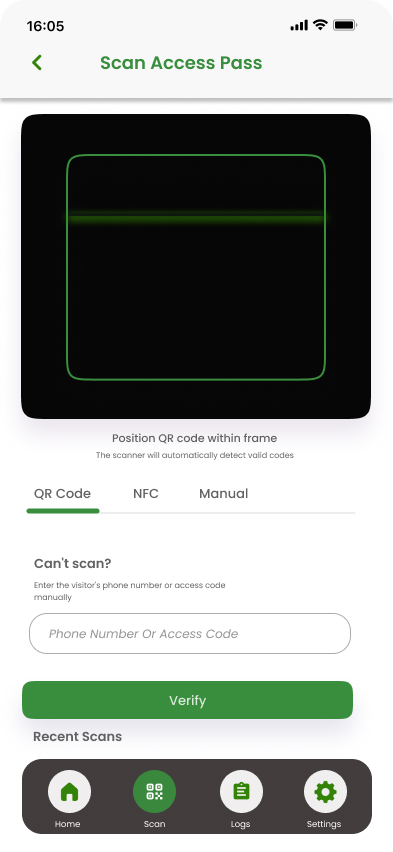
Digital access passes + scan-to-enter flows
Faster guest entry
Physical-digital access gap
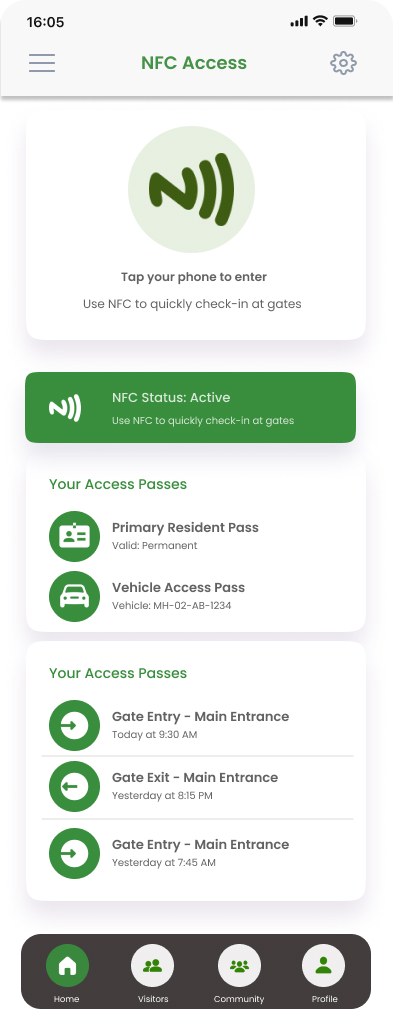
NFC tap-to-enter + geofencing presence
Seamless gate access
0 → 1 without design debt
Mobile design system built alongside screens
Engineering-ready handoff
In practice
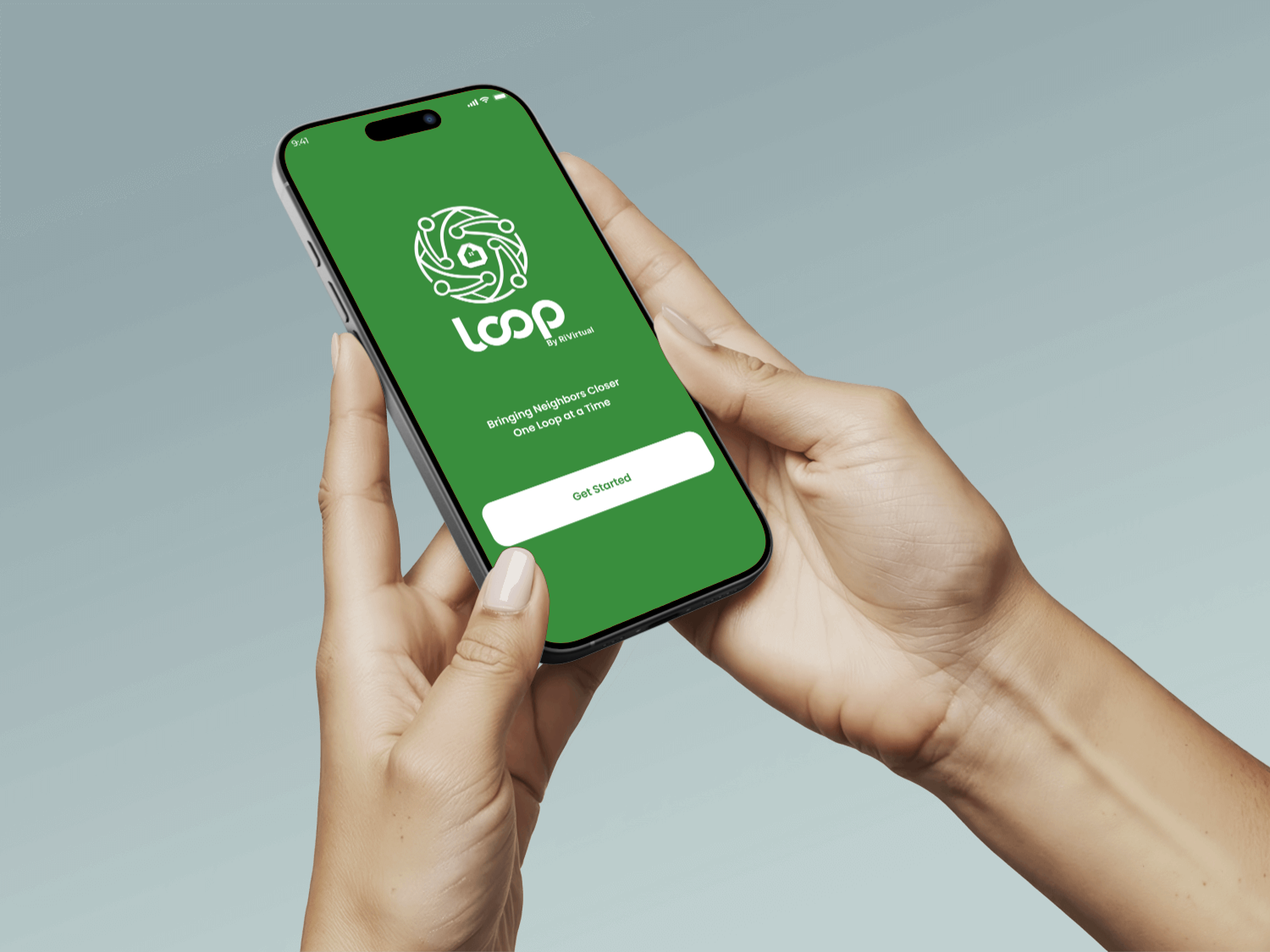
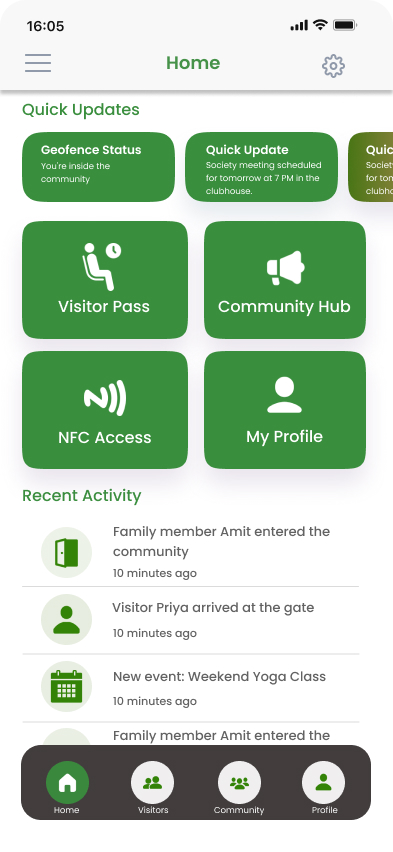
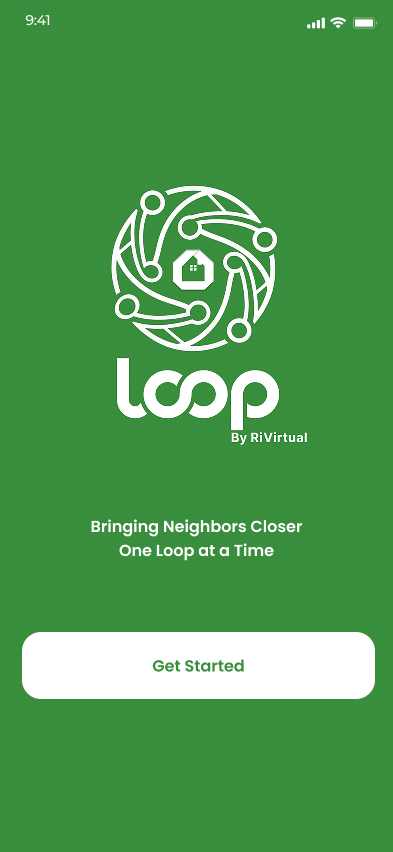
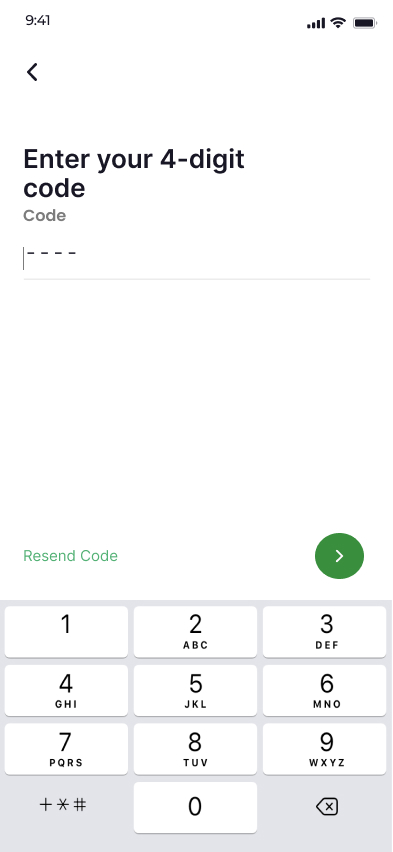
Mobile Core · Home & Login
HomeLogin
Click any screen to enlarge
04 · Design Process
Design process
A six-stage 0 → 1 practice — from product conceptualization through validated mobile screens and iteration.
Process followed
1
Product Conceptualization & PRD Creation
2
User Flow Mapping
3
Wireframing & Prototyping
4
High-fidelity UI Design
5
Usability Validation
6
Iteration Based on Feedback
Design process steps
Tools usedFigmaAdobe XDMiro
03 · Key Screens
Every mobile screen — one community
Thirty-four screens across access, visitors, security, and community — iPhone frames with scroll inside each screen like a live app. Use arrows to browse.
↕ Scroll
Home
↕ Scroll
Login
↕ Scroll
OTP
↕ Scroll
Community Hub
↕ Scroll
Visitor Pass
↕ Scroll
NFC Access
↕ Scroll
Scan Pass
↕ Scroll
Security Dashboard
↕ Scroll
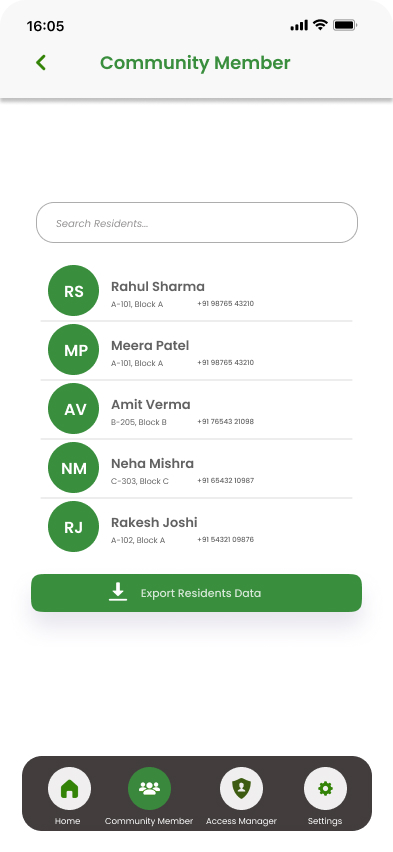
Residents
↕ Scroll
My Profile
Scroll inside each phone screen · Use arrows to browse screens
User Roles & Flows
User roles & personas
Three stakeholder types across the community lifecycle — residents, security, and managers — each with distinct goals mapped before hi-fi delivery.
Role
Goal
Key Pain Points
Resident
Manage guests, community life, and access
WhatsApp visitor chaos, no digital passes
Security Guard
Monitor access and visitors in real time
Paper logs, delayed visibility, manual checks
Community Manager
Run engagement programs and operations
Fragmented tools, low resident participation
Resident
Goal: Manage guests, community life, and NFC access from one app
Pain points: WhatsApp visitor coordination, no digital pass system, fragmented community tools
Security Guard
Goal: Monitor residents, visitors, and access events in real time
Pain points: Paper logs, manual verification, no operational dashboard
Community Manager
Goal: Drive engagement through events, polls, and community programs
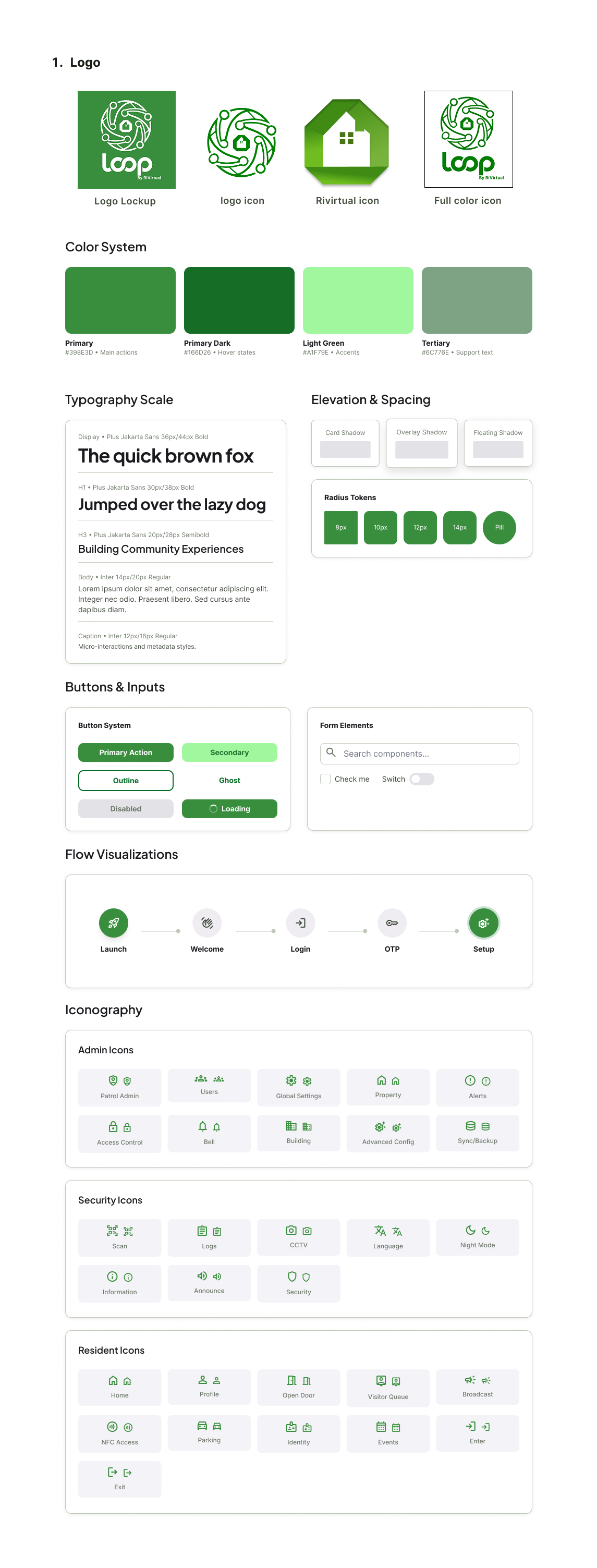
Typography, color tokens, spacing, and component library — designed alongside the 34-screen mobile experience for engineering handoff and future expansion.
Adopted across authentication, visitor management, NFC access, security dashboards, and community hub screens.
09 · Impact & Results
Impact & results
From concept to launch-ready mobile product — measurable outcomes across screen delivery, workflow coverage, and design system completeness.
0 → 1Conceived and designed smart community product from blank canvas
34+Mobile screens designed and delivered across all workflows